Period and reporting date
Choose the reporting period and, where relevant, the date for a balance or forecast.
Understand profit, cash, and sales with reports connected to your ERP data. Start with ready-made financial reports, explore the figures behind each total, and save the views you use. Configure report metrics and drill-down paths to match the questions your business asks.
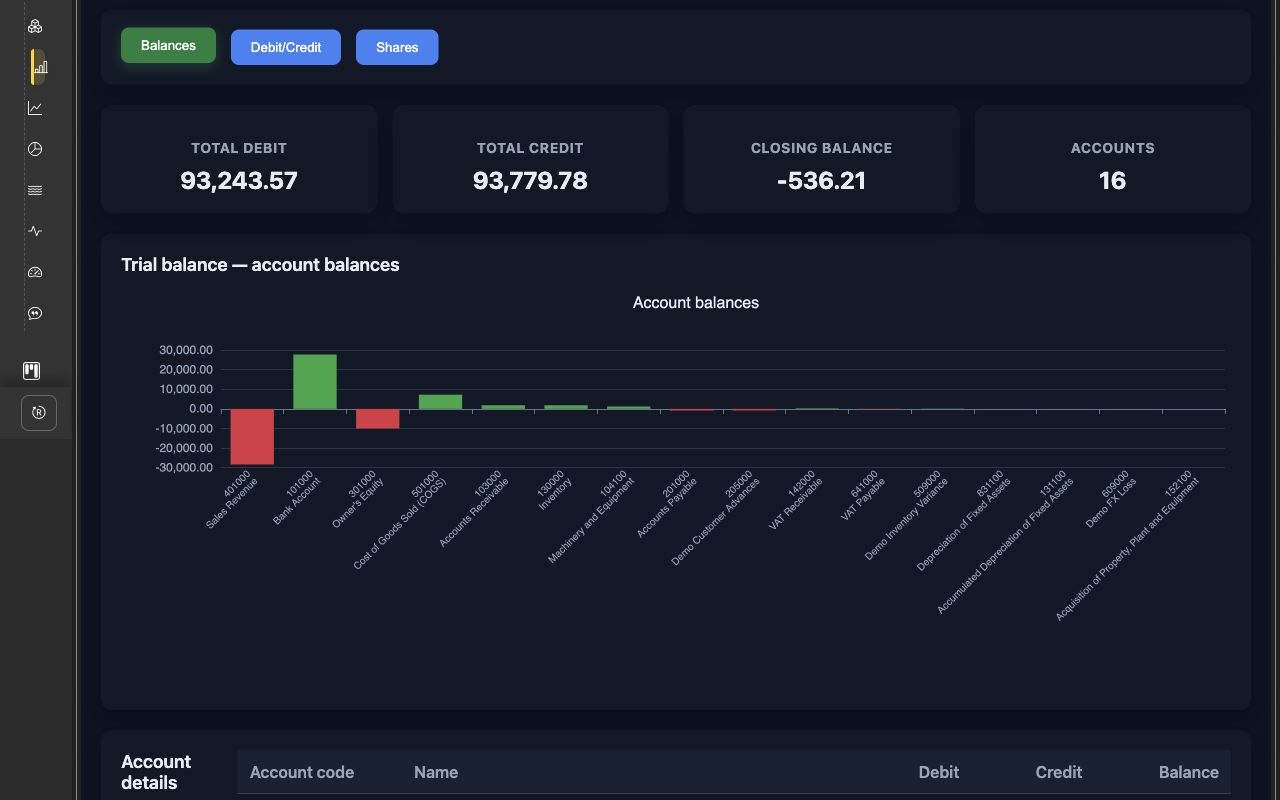
Review debit, credit, and balances by account for the selected period. Use the report system to explore account types, accounts, partners, and journal lines, then open the related source document to understand the transactions behind a total.
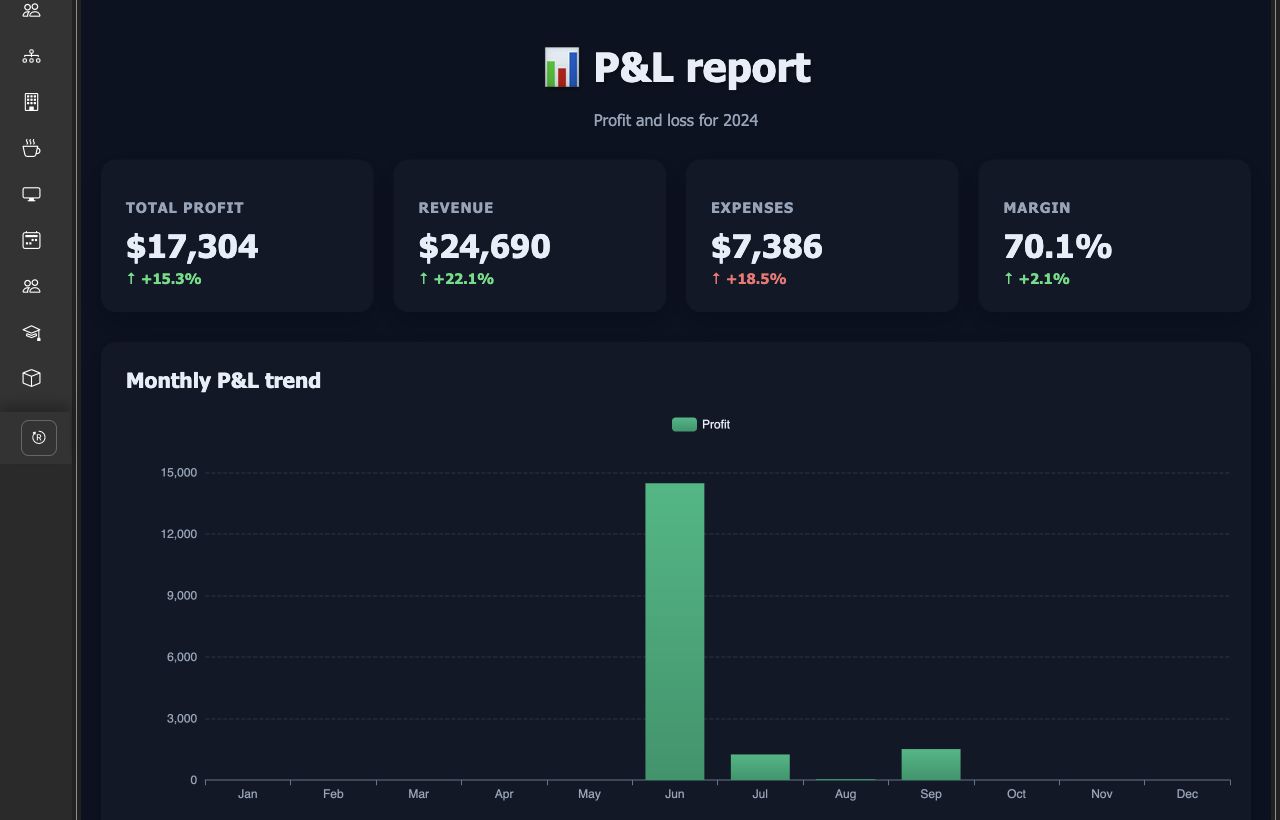
Follow revenue, expenses, gross profit, and net profit in the P&L report. Review monthly results and margins, then use the report system to explore the accounts and documents behind income and costs.
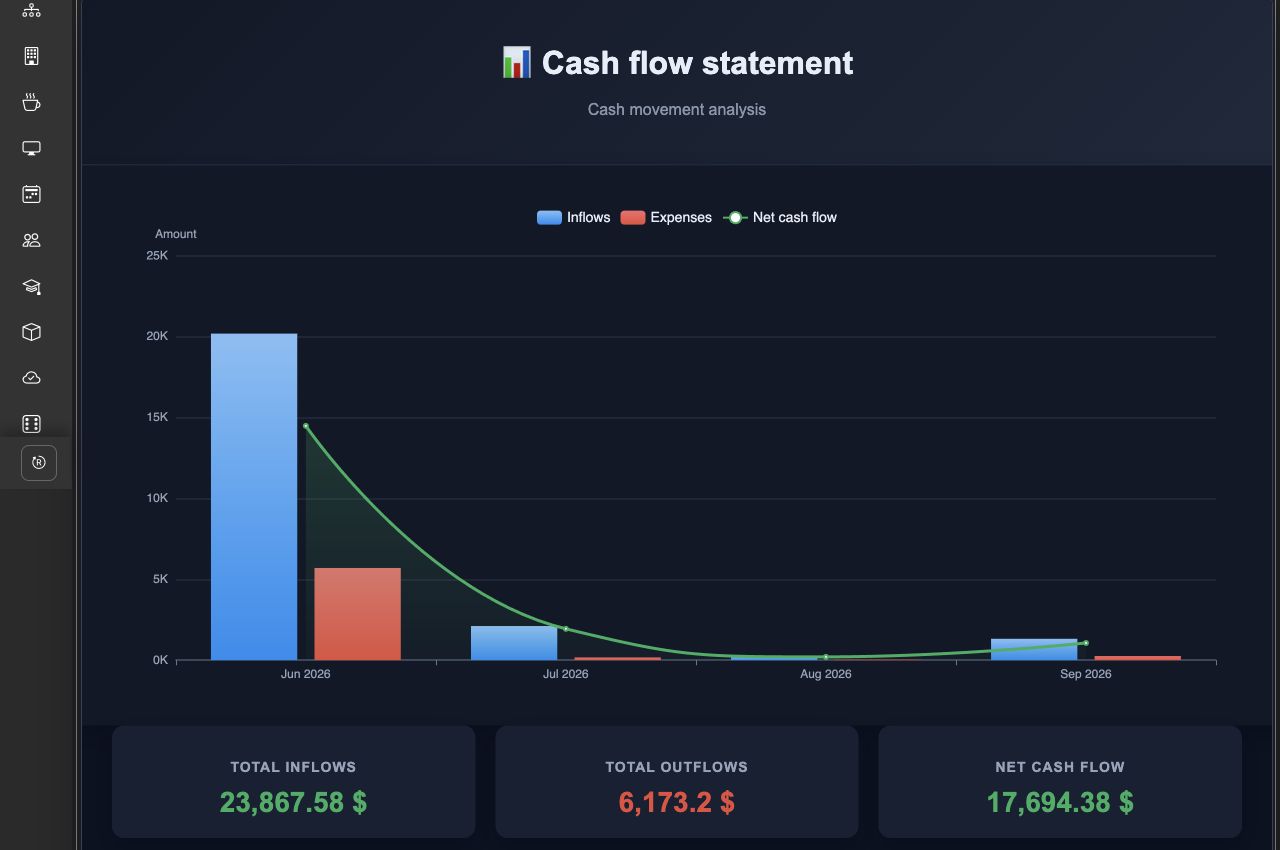
See cash inflows, outflows, and net cash flow from your accounting data. Compare the movement of money over the reporting period and use the available detail views to understand the transactions behind it.
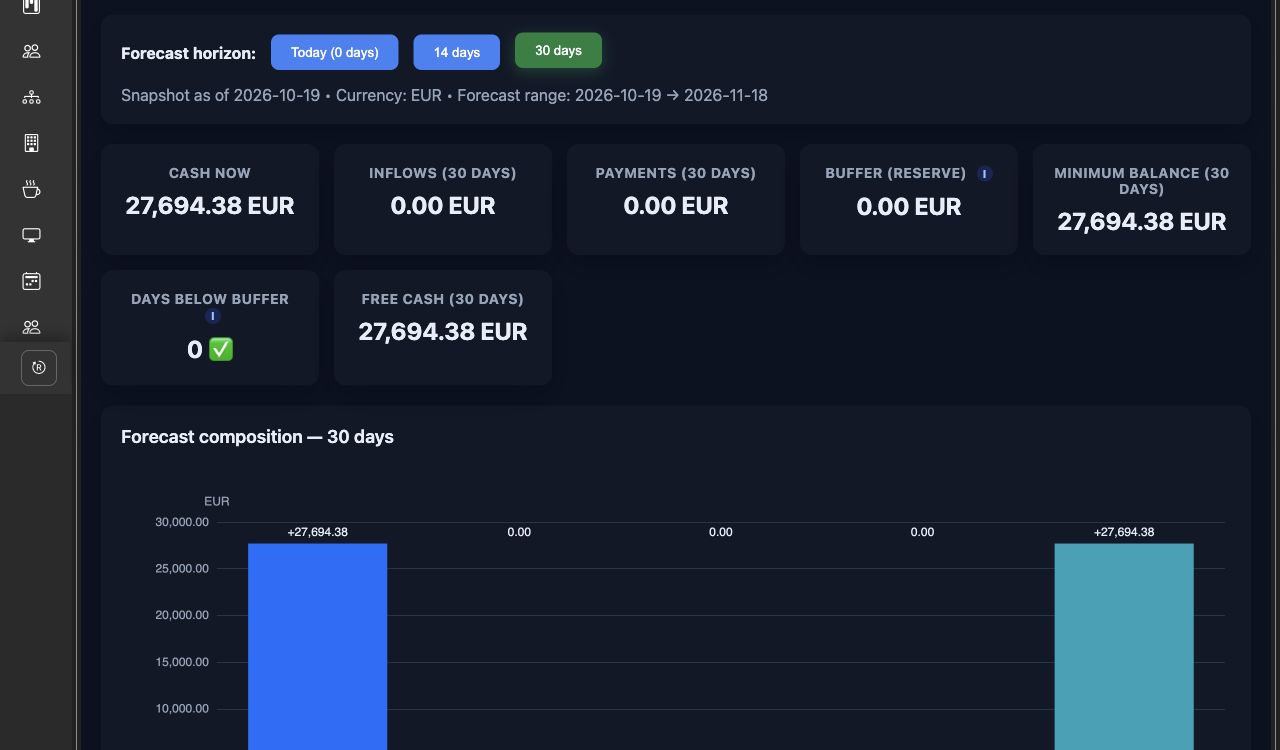
See current bank and cash balances alongside expected customer receipts and supplier payments from open invoices. Choose a forecast horizon and cash buffer to estimate the funds available for upcoming commitments.
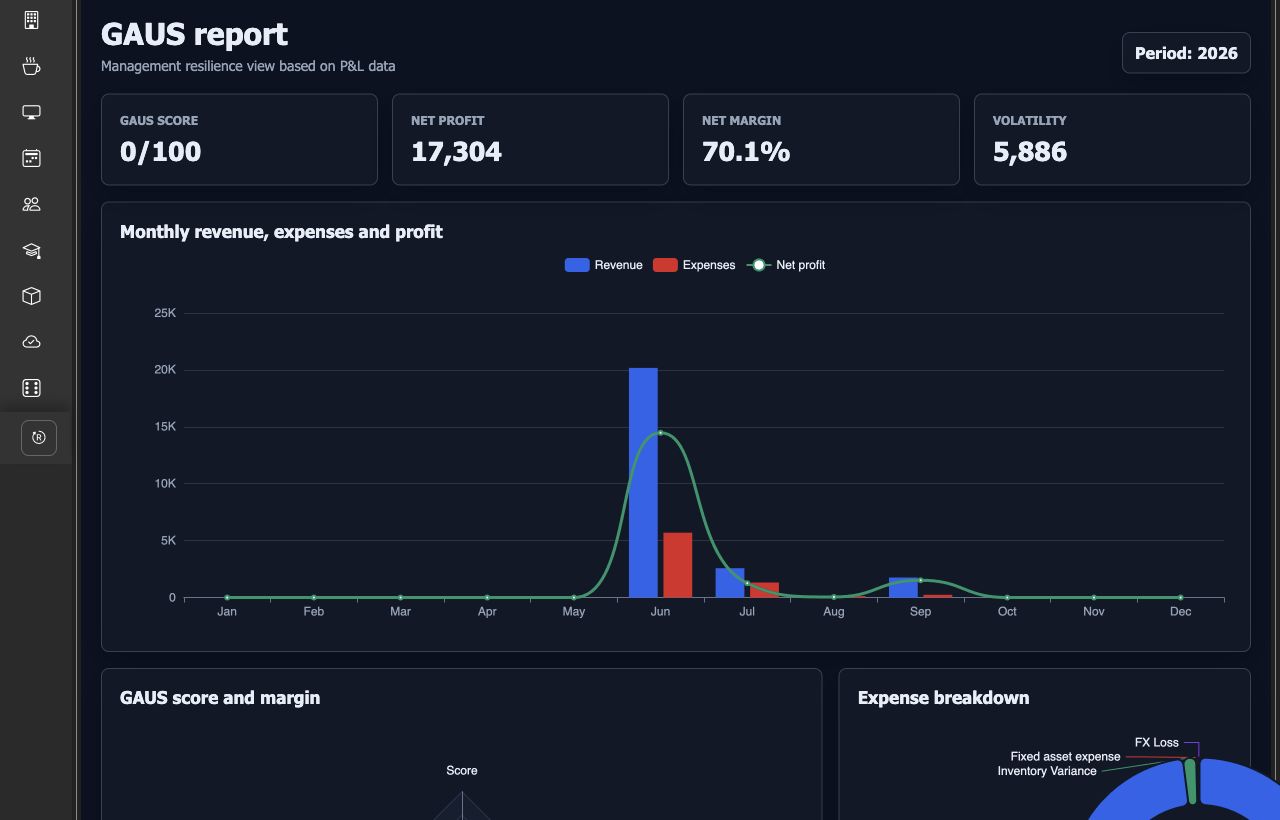
Bring profit, margins, expense structure, and monthly trends together. GAUS uses your P&L data to show management indicators, stability measures, and monthly signals that help you identify changes worth investigating.
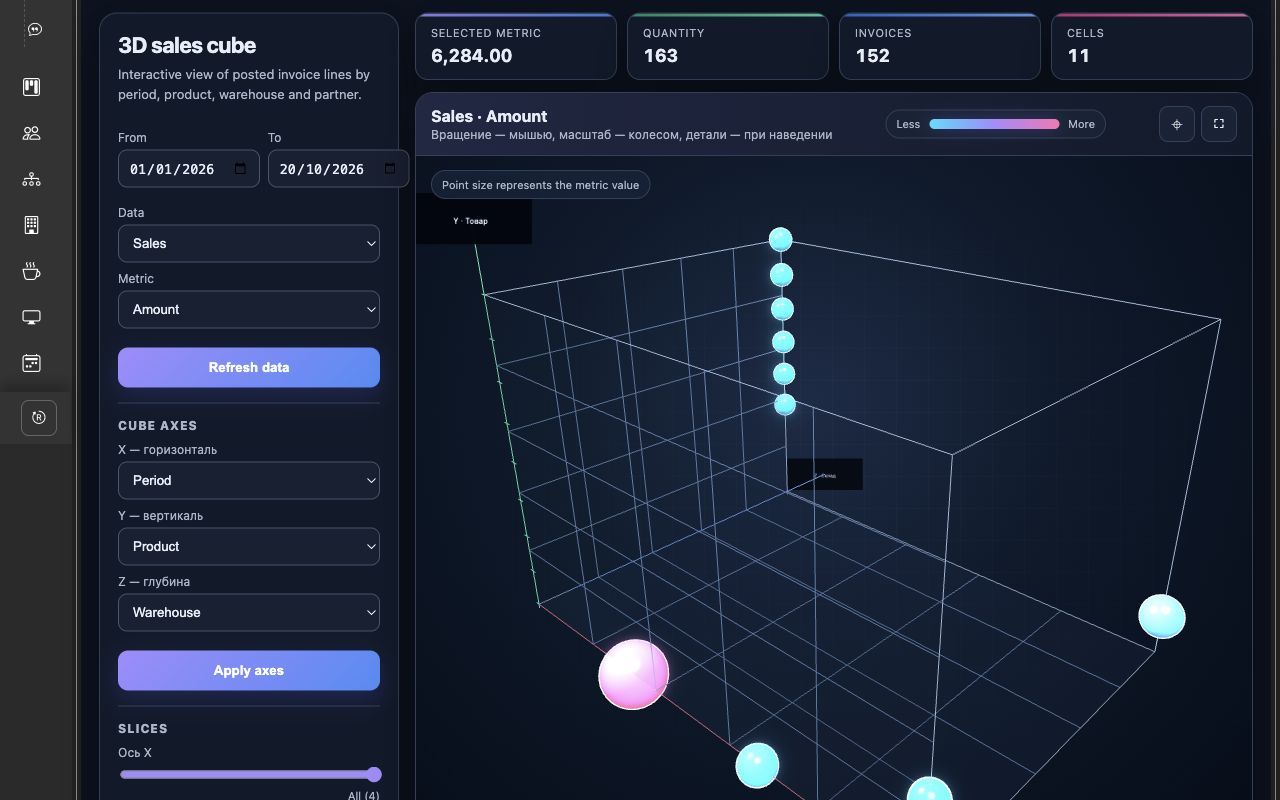
Explore posted invoice data by period, product, warehouse, and partner. Choose three dimensions for the cube and switch between amount, quantity, and margin, with sales and purchase directions available for analysis.
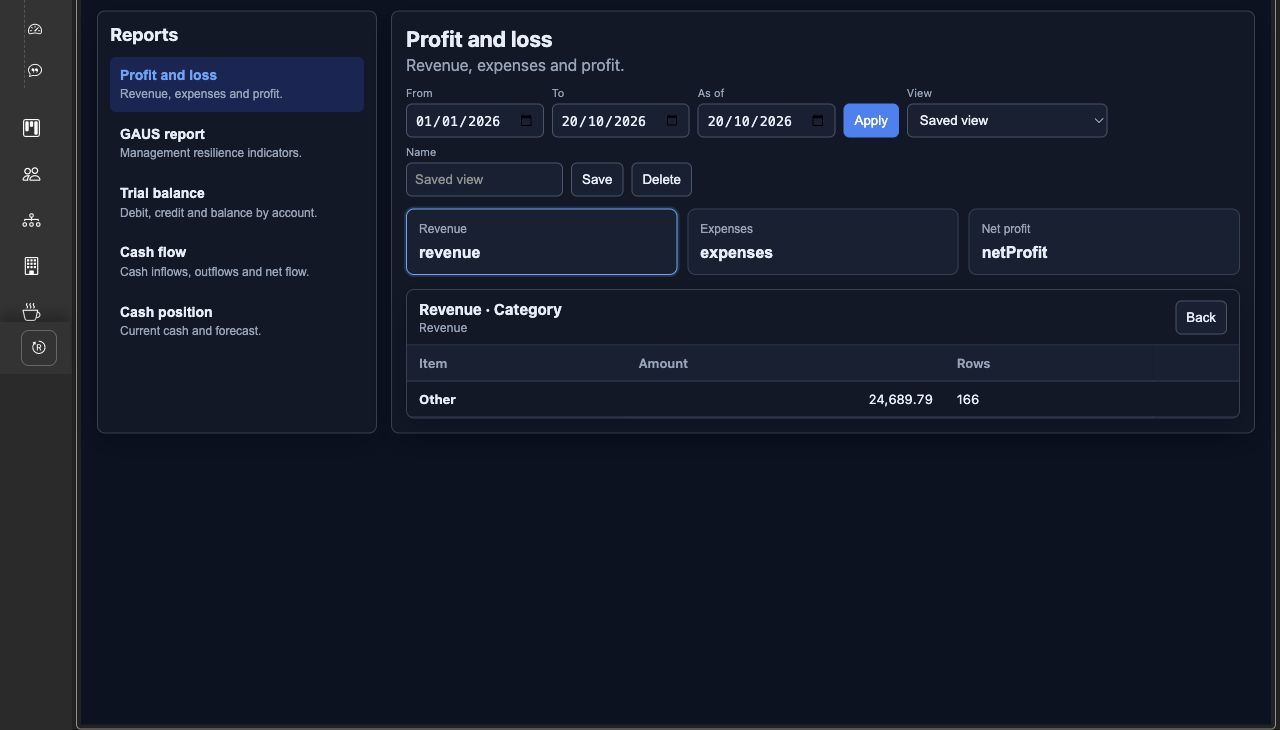
Administrators can define financial report metrics, groupings, and the path from a total to its details. Users select periods, explore the data, and save views with their chosen report, metric, filters, and drill-down position for later use.
Everything you need in one place: clear, robust features that actually make daily work easier instead of more complicated.
Choose the reporting period and, where relevant, the date for a balance or forecast.
Move through the configured detail levels to see how a report figure is made up.
Follow available links from report details to the ERP document behind a transaction.
Keep your chosen report, metric, dates, and detail position in a named view.
Use report charts and the interactive cube to explore patterns in your figures.
Financial reports use accounting records; the cube analyzes posted invoices and their lines.
Stop jumping between multiple tools. Everything you need is built into one seamless experience.
sales
warehouse
accounting
purchasing