Ready-made content blocks
Add sections, a hero, text, images, buttons, and a two-column layout.
Create and update pages visually inside ZavERP. Arrange content blocks, adjust styles, and work with your image library while keeping dynamic site content connected to ERP data. Preview your site, save changes, and return to earlier template versions when needed.
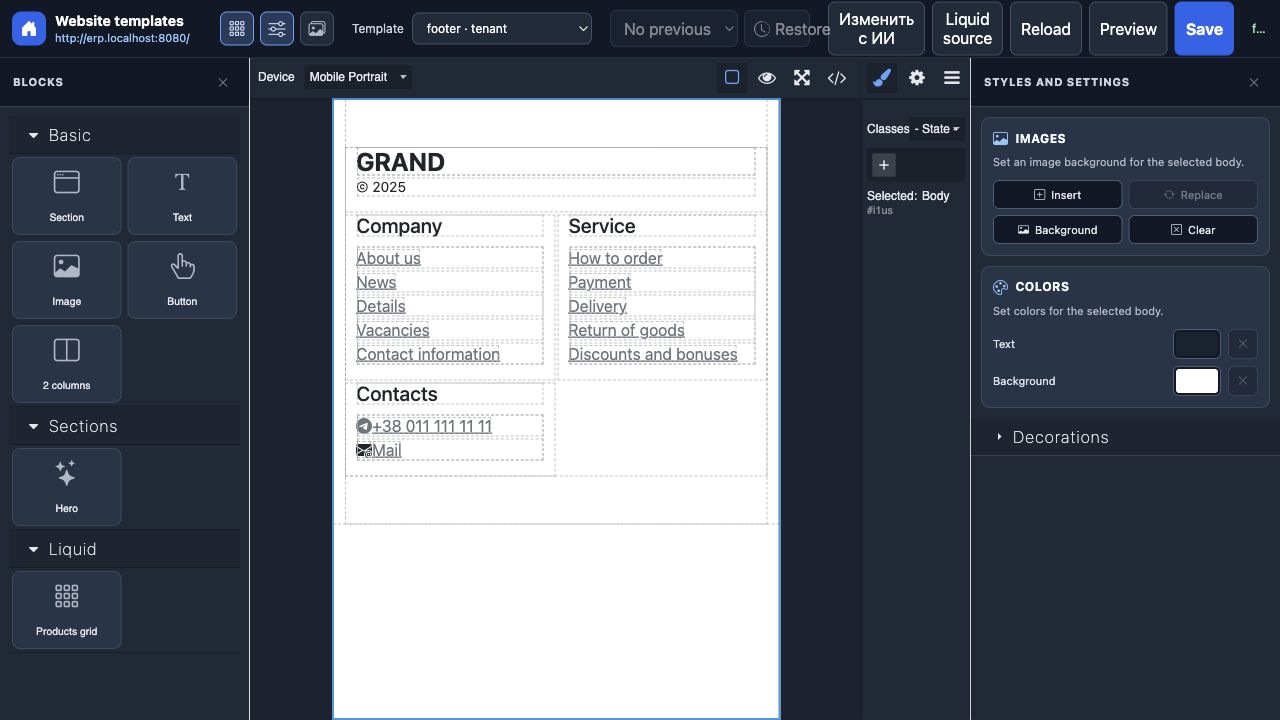
Start with sections, text, images, buttons, a hero, or a two-column layout. Add blocks to the visual canvas and arrange the page around your message. Make everyday content changes directly where you can see them.
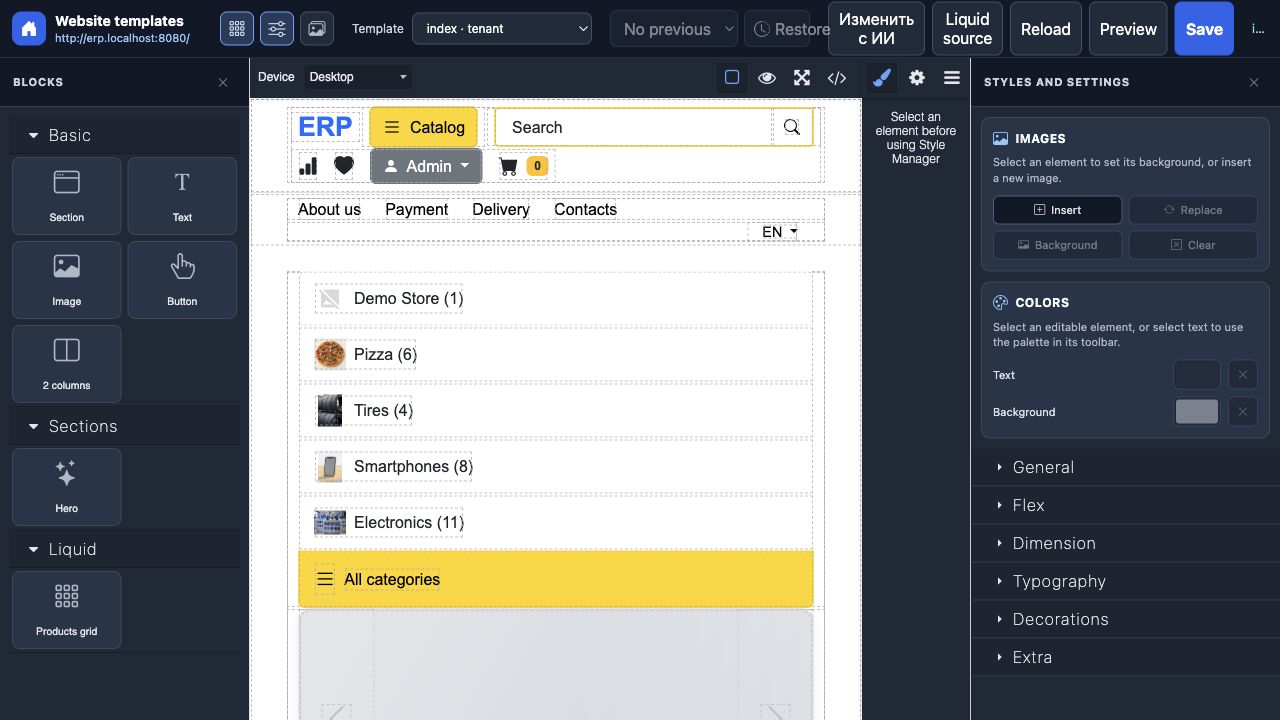
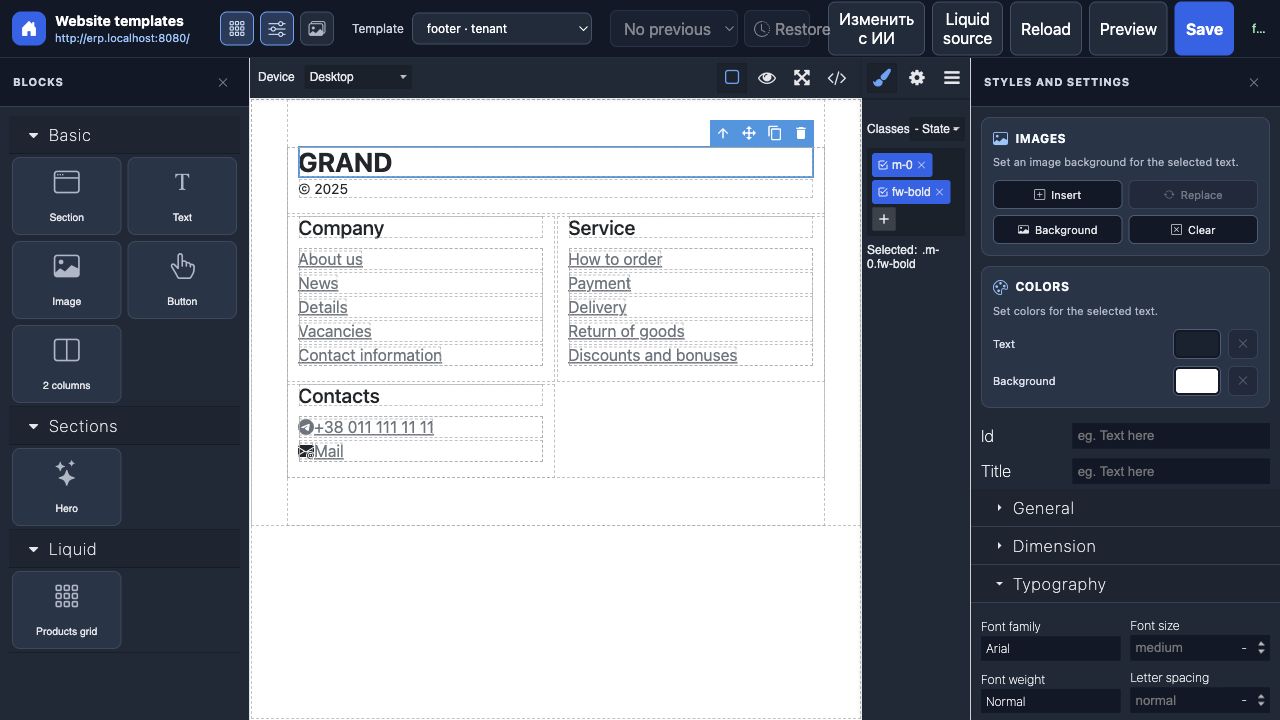
Adjust colors, spacing, typography, and element settings in the editor. Work on the appearance of selected elements while seeing the page around them, so headings, buttons, and sections fit your brand.
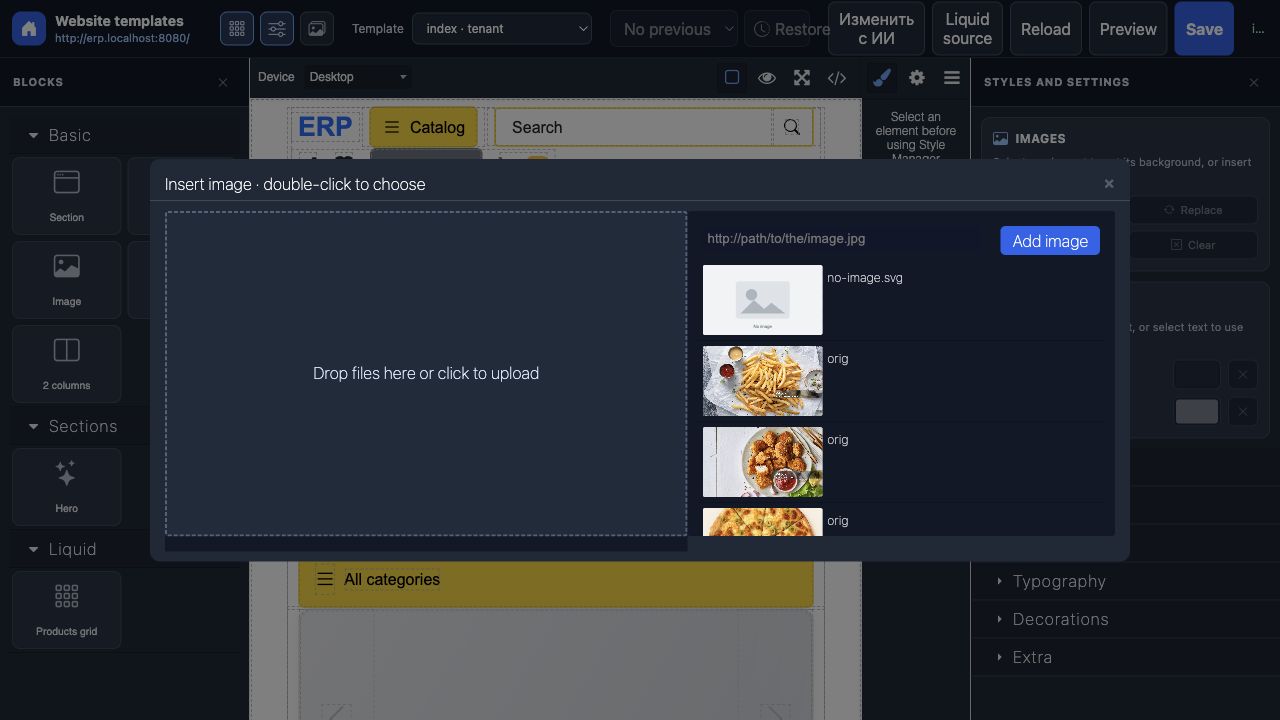
Browse existing site images or upload new ones to the library. Choose pictures for image elements and backgrounds without leaving the editor, and reuse your assets across the site.
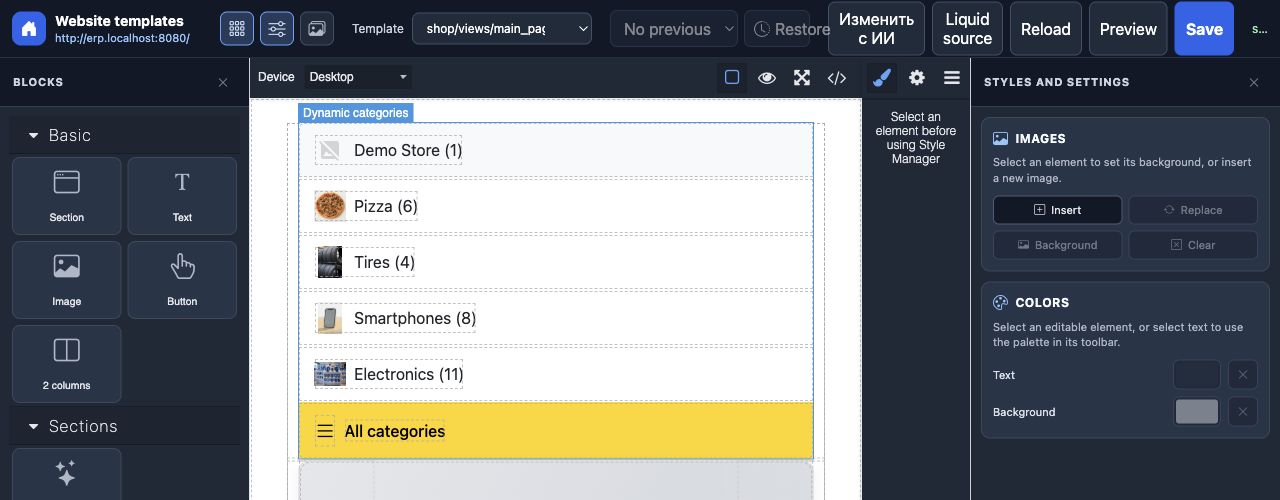
Keep product lists and other dynamic sections tied to the data supplied by your site. The editor displays dynamic content as visual components while preserving the template logic that renders it.
Work with page templates and their included sections, such as headers and footers, in one composed view. Keep shared parts connected so you can maintain the site’s structure alongside individual page content.
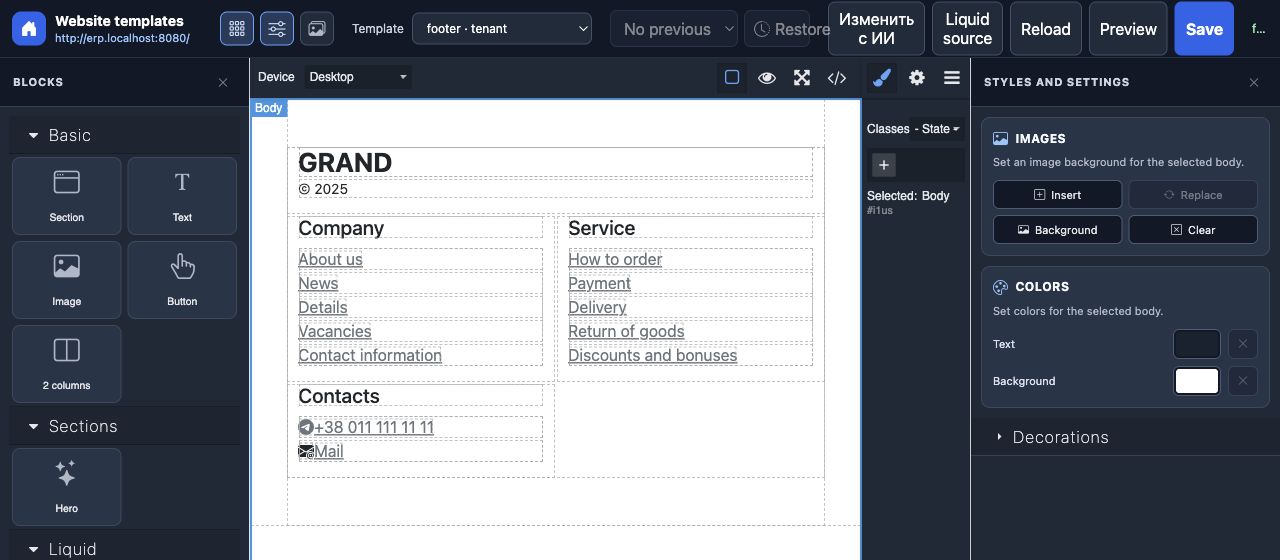
Open the website preview to check your work, then save the template changes. Previous template versions are kept in history, and you can select and restore a saved version when you need to go back.
Everything you need in one place: clear, robust features that actually make daily work easier instead of more complicated.
Add sections, a hero, text, images, buttons, and a two-column layout.
Edit the colors, spacing, typography, and settings of selected elements.
Upload site images and reuse them in content or backgrounds.
Choose from the site’s available templates and load the one you need to edit.
Review saved template versions and restore an earlier one.
Keep data-driven sections connected to the site’s ERP context while editing the layout.
Stop jumping between multiple tools. Everything you need is built into one seamless experience.
ecommerce
crm
live-chat