A visual product catalog
Show ERP product images in POS so cashiers can recognize the items they sell.
Serve customers from a dedicated POS screen, with products, orders, and card payments connected to ZavERP. Set up workstations for your shop, bar, restaurant, or hotel reception and keep each sale linked to the work that follows.
Add products from a visual catalog, adjust quantities, and review the cart before payment. The dedicated full-screen workspace keeps the cashier focused on serving customers, with product images and the order total close at hand.
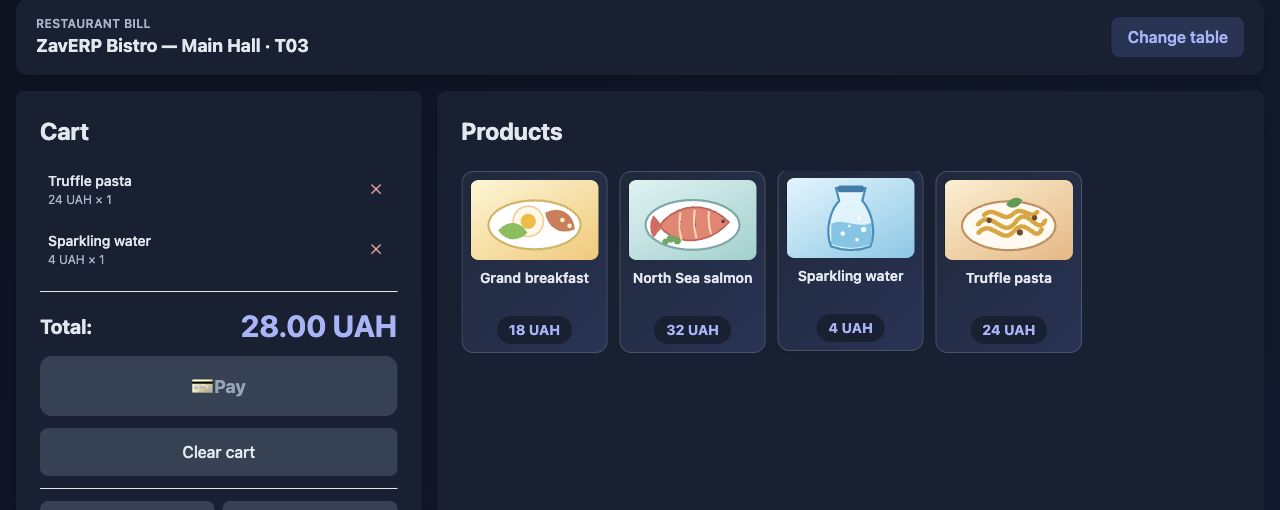
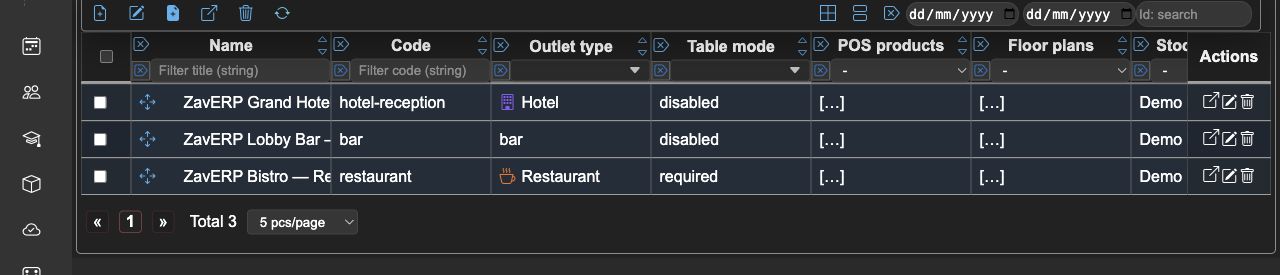
Choose which products each point of sale can sell and link it to its stock location and cashier workstations. Each POS terminal opens in its assigned outlet context, with the catalog and payment terminal configured for that workplace.
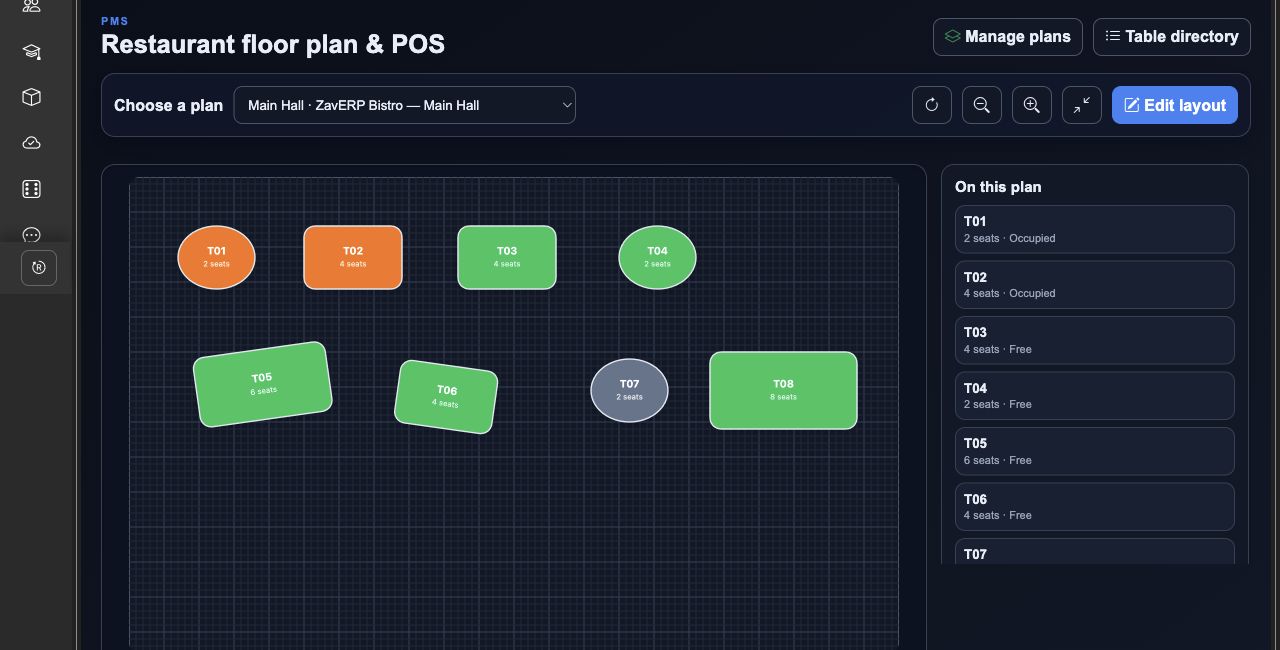
Use counter sales for a shop or bar, choose a table from a restaurant floor plan, or select a room at hotel reception. Configure table selection as optional or required and allow takeaway where it fits your service.
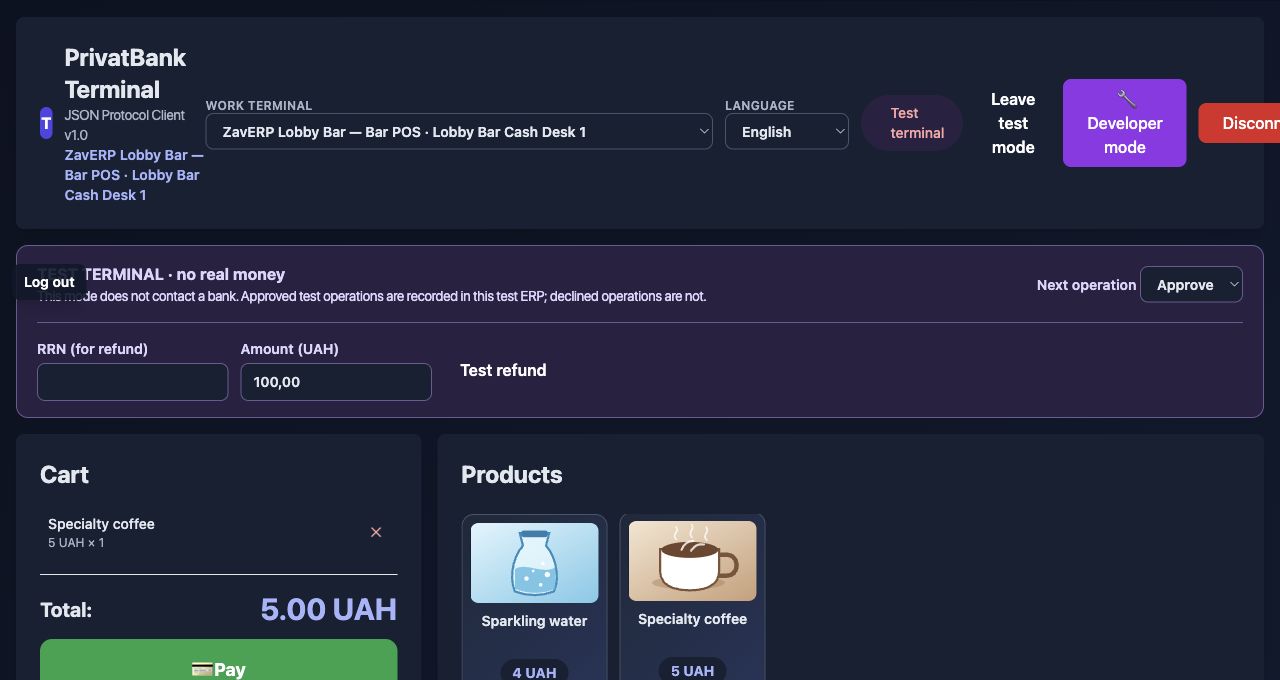
Connect a supported acquiring terminal to the cashier workstation. POS checks the cart before sending the payment request, then records the approved transaction with the related sale. Your team can follow the payment result and its order in ZavERP.
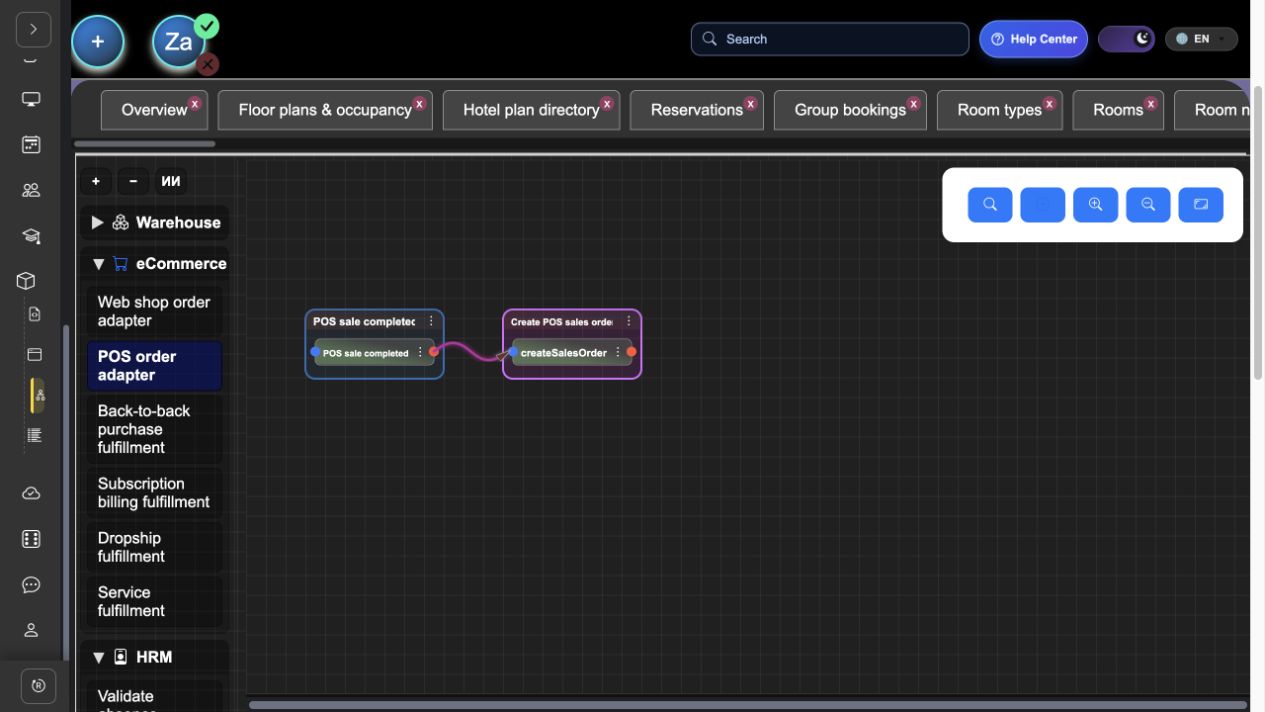
A POS sale becomes a linked ERP sales order and continues through the configured fulfillment and accounting workflow. In the restaurant workflow, dishes with a bill of materials can create kitchen orders, keeping preparation connected to the sale.
Find acquiring transactions and terminal events in a shared history, linked to the outlet and workstation. If a card payment succeeds but saving the sale fails, POS keeps the cart and guides the cashier to retry recording it without taking payment again.

Everything you need in one place: clear, robust features that actually make daily work easier instead of more complicated.
Show ERP product images in POS so cashiers can recognize the items they sell.
Keep products, quantities, and the order total together before confirming payment.
Assign cashier workstations to points of sale and limit staff access to their permitted outlets.
Use configured restaurant and hotel floor plans to select the table or room for a sale.
Keep card transactions and terminal events linked to the point of sale and workstation.
Continue POS orders through configured sales, warehouse, and accounting processes.
Stop jumping between multiple tools. Everything you need is built into one seamless experience.
sales
warehouse
accounting