Multiple boards
Separate different streams of work into their own boards.
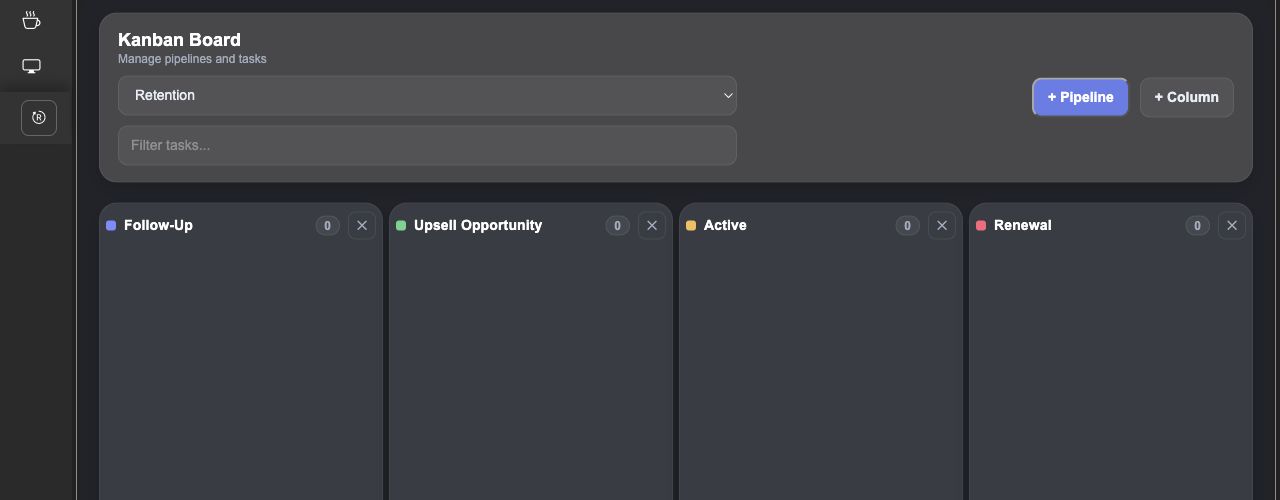
Organize work on Kanban boards with your own columns, clear cards, and priorities. Keep the customer and task details together, then move cards as the work progresses.
Create separate boards and name columns for your stages of work. Switch between boards and add columns as your process develops.
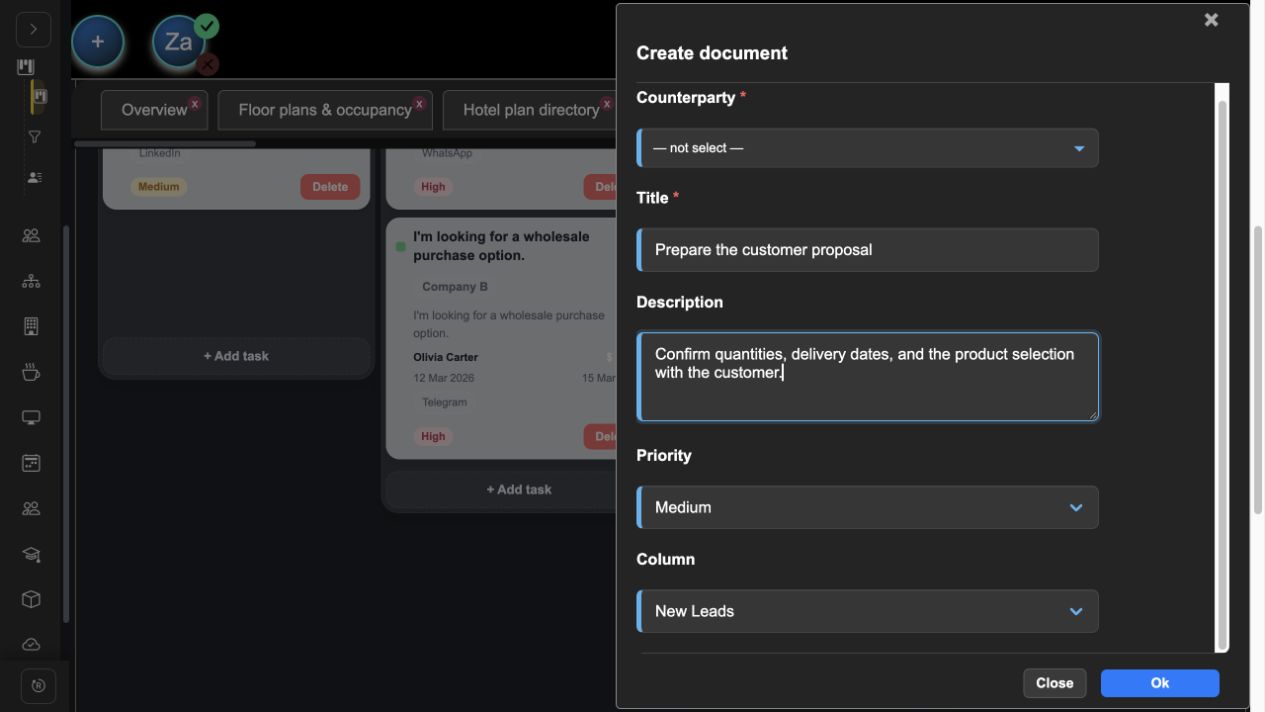
Add a title, description, priority, and associated counterparty to each card. Open a card to update its details instead of losing context in a separate list.
Drag cards between columns and reorder them within a stage. The board saves the new position so the work stays organized when you return.
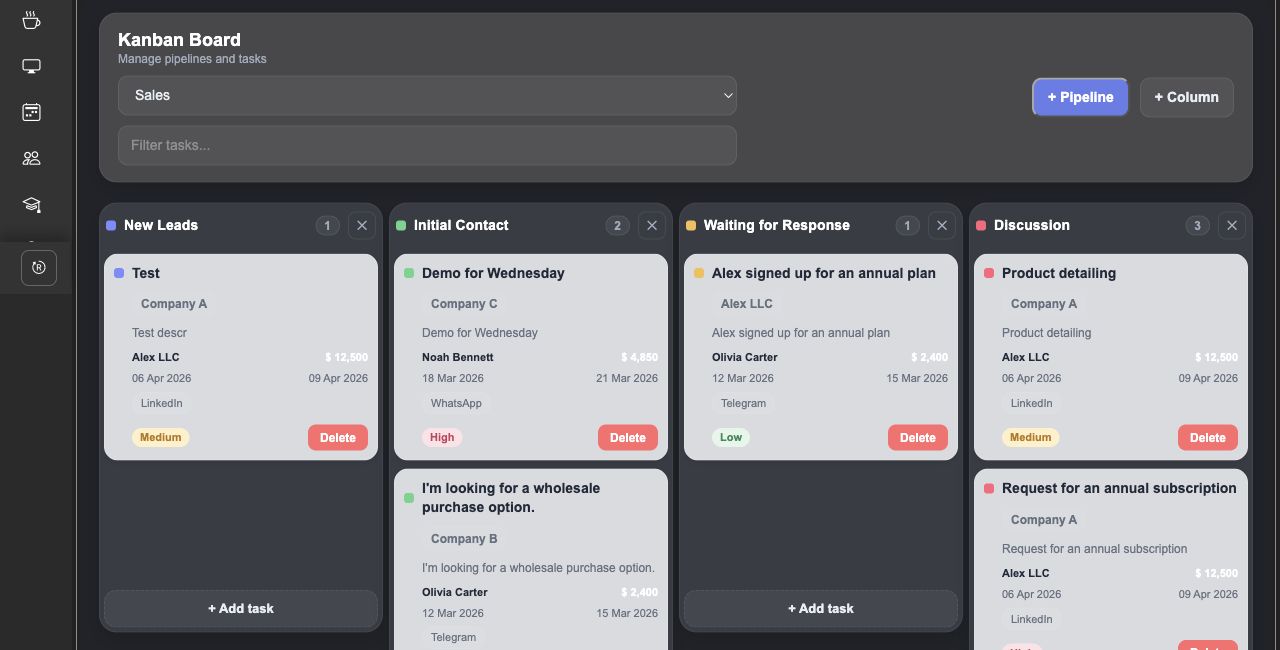
Everything you need in one place: clear, robust features that actually make daily work easier instead of more complicated.
Separate different streams of work into their own boards.
Use low, medium, and high priority labels to distinguish cards.
Connect cards to counterparties from your CRM directory.
Stop jumping between multiple tools. Everything you need is built into one seamless experience.
crm
workflow
calendar